Mastering AI for Event Planning and Wedding Design
The wedding industry is highly visual. Photographers, event planners, and couples spend countless hours compiling mood boards, designing invitations, and planning pre-wedding shoots. Historically, visualizing these concepts required sketching or heavily relying on generic stock photos. Today, generative artificial intelligence has simplified this workflow. By using structured text instructions, professionals can now generate exact visual representations of their ideas within seconds.
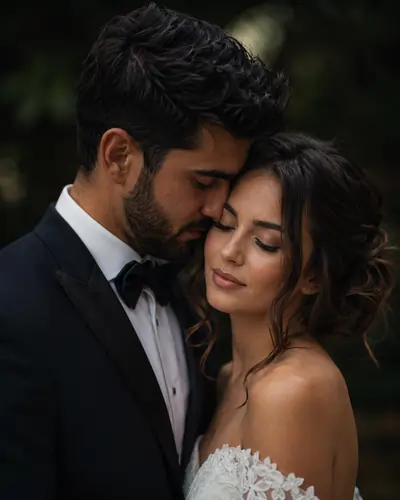
However, generating high-quality human subjects—especially in a formal, emotional context like a wedding—is notoriously difficult for AI models. Without clear parameters, tools like Midjourney or DALL-E tend to produce images with plastic-looking skin, distorted features, or inaccurate cultural attire. This directory is curated specifically to solve those issues by providing tested, reliable templates.
How Structured Commands Improve Image Quality
A good visual generation relies on more than just describing the subjects. To get professional-grade output, your text input needs to control the environment and the virtual "camera." The templates listed above incorporate industry-standard photography terminology. For instance, instead of simply asking for a "nice photo," our templates instruct the model to use specific focal lengths (like an 85mm lens), define the lighting (such as soft dramatic or golden hour), and explicitly demand realistic skin rendering.
This level of detail ensures that whether you are creating a cinematic pre-wedding concept or a close-up bridal portrait, the final image feels authentic and emotionally engaging rather than artificially generated.
Designing Invitations and Digital Assets
Beyond photography, AI is incredibly useful for graphic design tasks. Custom wedding invitations can be expensive and time-consuming to illustrate from scratch. By utilizing our design-focused templates, you can generate clean, high-resolution background elements, watercolor floral borders, or minimalist geometric patterns. These generated assets can then be easily imported into tools like Photoshop or Canva, allowing you to add typography and finalize the design efficiently.
Adapting for Cultural Accuracy
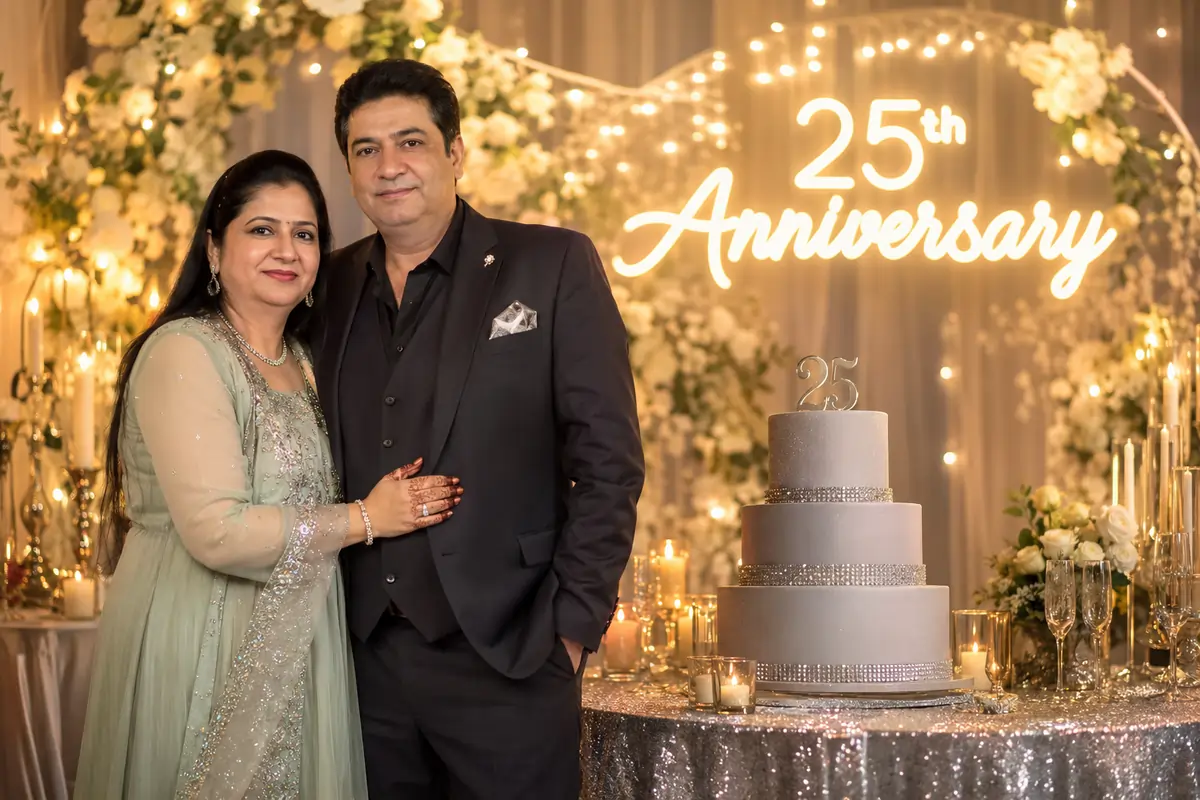
One of the primary challenges in generative AI is ensuring cultural accuracy, particularly with traditional ceremonies. Our library includes modular templates where you can easily swap out descriptors. If you need to visualize an Indian wedding, you can specify elements like intricate embroidery, specific color palettes, and traditional jewelry, ensuring the output respects and accurately reflects the cultural context.
Frequently Asked Questions
Which AI platform is best for rendering human faces?
For highly realistic portraits and cinematic lighting, Midjourney (specifically V6) is currently the industry standard. It handles skin textures and complex lighting environments better than most alternatives.
Can I use these generated images commercially?
The templates provided here are free to use. However, the commercial usage rights of the final images depend entirely on the terms of service of the specific AI platform you choose to use (e.g., a paid Midjourney subscription grants commercial rights, whereas a free tier might not).
How do I fix distorted hands or eyes in the generated image?
While prompt engineering minimizes errors, AI models occasionally struggle with small details like hands. We recommend using upscaling tools, region-specific repainting features (like "Vary Region" in Midjourney), or doing minor touch-ups in traditional photo editing software.