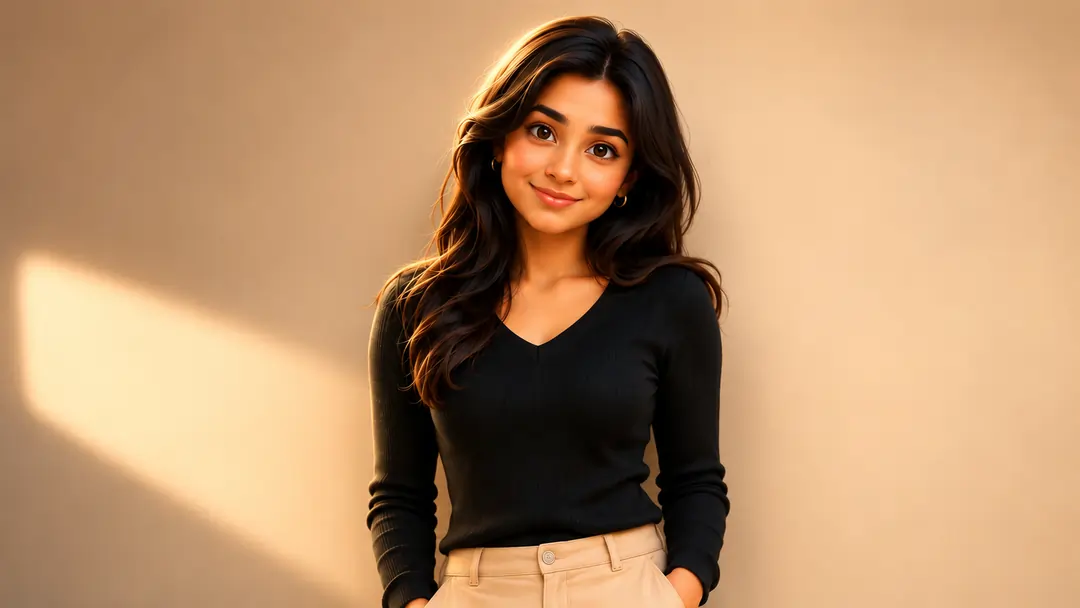
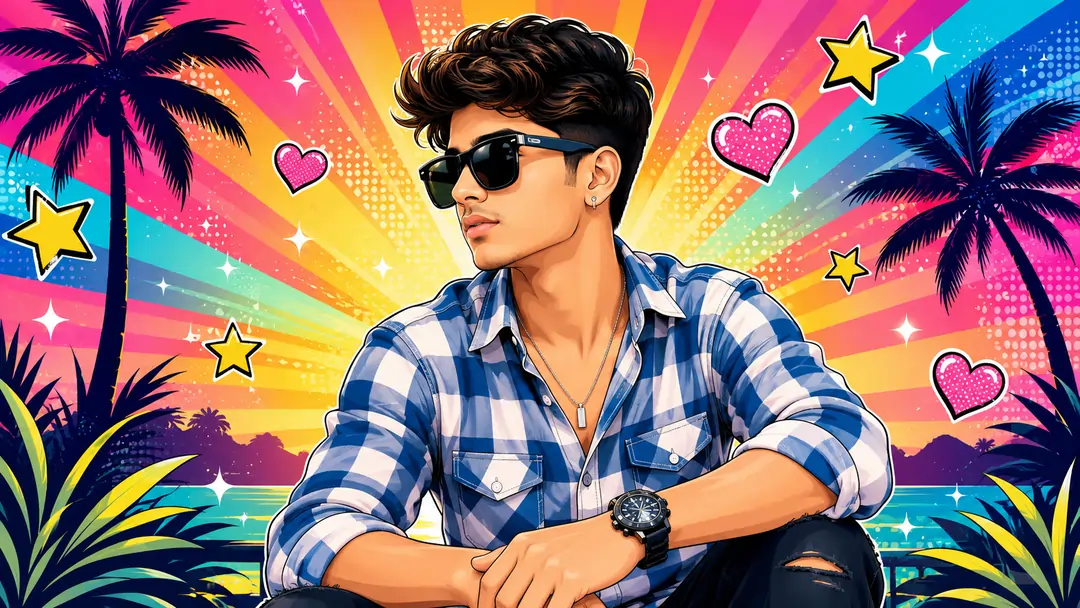
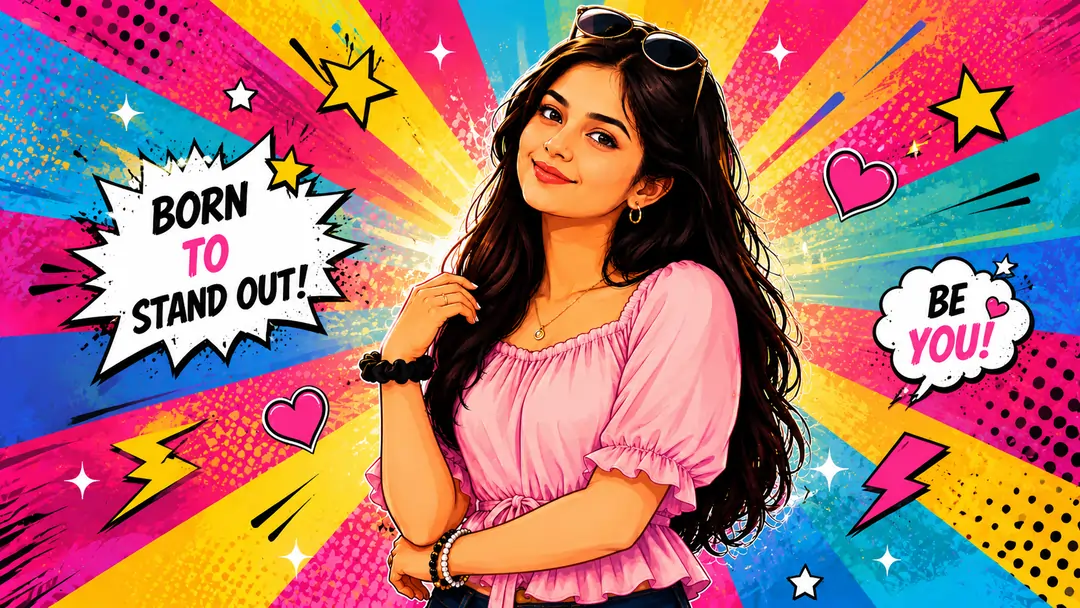
The Evolution of Stylized Portrait Creation
Welcome to the ultimate resource for mastering Digital Character Art. If you have ever tried turning a real photograph into a highly stylized animation frame, you already know the frustration. In the early days of my web administration career, whenever a client requested a unique avatar for their gaming portal or social media profile, it required hiring a dedicated illustrator to manually trace contours and paint gradient meshes. It was a painstaking, expensive process.
Today, the landscape has radically changed. The demand for Cartoon Avatar Generation has skyrocketed across branding, streaming, and corporate environments. People no longer want simple filters; they want hyper-polished, Pixar-quality representations of themselves. But while artificial intelligence has made this technically accessible, executing it perfectly remains a massive hurdle. Generative engines are heavily biased toward realism or highly generic, idealized faces. If you do not know how to speak the exact language of the machine, your resulting image will look absolutely nothing like the original photograph.
This collection page is built specifically to bridge that gap. By breaking down the exact terminology required for successful AI Character Design, we eliminate the guesswork. We move away from typing vague requests and step into the realm of structured, authoritative instructions that force the algorithms to bend to our creative will.
Engineering AI Character Design Workflows
The single greatest obstacle in Stylized Portrait Creation is what engineers call "identity drift." Because neural networks are trained on millions of generic, symmetrical faces, they possess a strong instinct to overwrite your unique facial geometry. Your slightly crooked smile or distinct jawline is instantly replaced by a plastic, algorithmic "average" face.
To establish control, we cannot rely on passive suggestions. You must utilize explicit geometric locks within your text inputs. We accomplish this by dividing our instructional strings into positive aesthetic additions and strict structural limitations. Instead of simply requesting a "cute animation," the framework must explicitly demand that the original nose bridge, eyebrow arch, and overall bone structure remain 100% identical to the reference file.
Furthermore, balancing these commands requires an understanding of underlying network weights. In tools like Midjourney, manipulating the image weight parameter (such as setting it to 1.5 or 2.0) acts as a physical anchor. It forces the system to evaluate the visual pixel data of your uploaded photograph with higher priority than the text-based stylization commands, preventing the system from entirely discarding your personal features.
Shading Mechanics for Cartoon Avatar Generation
Premium Digital Character Art is defined by light physics and surface textures. A common indicator of poor generation architecture is flat, unnatural skin texturing that lacks tactile reality. Professional 3D artists achieve depth by combining distinct studio lighting layers with specific surface finishes. A highly successful technique implemented across our templates is the "soft clay render finish." This specific keyword strips away artificial gloss and plastic shine, replacing it with a velvety, commercial-grade surface style.
When working within specialized vector setups, lighting variables shift from soft gradients into clean color blocks. Matching your texture commands to your intended technical output style prevents visual errors where flat 2D designs attempt to render complex 3D ray-traced shadows. Consistency in terminology is absolutely critical.
Post-Processing and Refinement Secrets
Even with the most meticulously crafted AI Character Design framework, the initial output may require minor refinements. The rendering engine might perfectly capture your face but decide to change the color of your jacket or add an unwanted accessory. This is where advanced inpainting techniques come into play.
By utilizing localized rendering tools—such as the 'Vary (Region)' feature in Discord-based generators—creators can mask specific areas of the canvas, like a distorted collar or a messy background element, and instruct the system to regenerate only that specific section. This ensures that the primary facial geometry remains locked while the secondary errors are corrected.
Ultimately, successful Stylized Portrait Creation is an iterative process. It combines the structured rigidity of code-like text prompts with the creative flexibility of post-production editing. By exploring the specific template cards listed above, you will find the exact syntaxes necessary to control these powerful digital tools, allowing you to generate commercial-grade visual assets predictably and safely.
Frequently Asked Questions (FAQ)
How does AI Character Design differ from traditional 3D modeling?
Traditional 3D modeling requires manually building geometric meshes and applying textures. AI generation relies on natural language processing to interpret aesthetic keywords and instantly render composite images based on vast visual datasets.
Why do my generated avatars lose my original facial identity?
By default, algorithmic models lean toward pre-trained, generic facial symmetry. To combat this during Stylized Portrait Creation, you must explicitly describe structural features like jawlines and eye shapes to lock the geometry.
What is the best image weight setting for Cartoon Avatar Generation?
When using tools like Midjourney, setting a higher image weight parameter (such as --iw 1.5 or --iw 2.0) ensures the system prioritizes the visual details of your uploaded reference photograph over the text instructions.
Can I convert these AI generations into clean vector graphics?
Generative tools natively produce raster formats (PNG/WEBP). To achieve scalable vector curves, you must process the output through secondary vectorizer software like Adobe Illustrator's Image Trace feature.
How does studio lighting impact Digital Character Art?
Specifying lighting setups, such as a strong rim light, creates an illuminated edge around the character model. This isolates the subject from the background gradient and adds profound, professional depth.
Is DALL-E 3 or Midjourney better for stylized illustrations?
DALL-E 3 is fantastic for exact prompt adherence and flat graphic elements, whereas Midjourney v6 excels at raw texturing depth, cinematic shading, and realistic lighting refractions.
How do I safely change clothing colors without altering the pose?
You can isolate specific regions using structural inpainting masks (like 'Vary Region'). This instructs the algorithm to re-render text fields across localized clothing spaces while preserving the rest of the character.
What background styling prevents visual clutter?
Utilizing explicit text controls such as 'clean monochrome gradient backdrop' or 'soft studio lighting bokeh' forces the system to concentrate detail strictly on the primary subject.